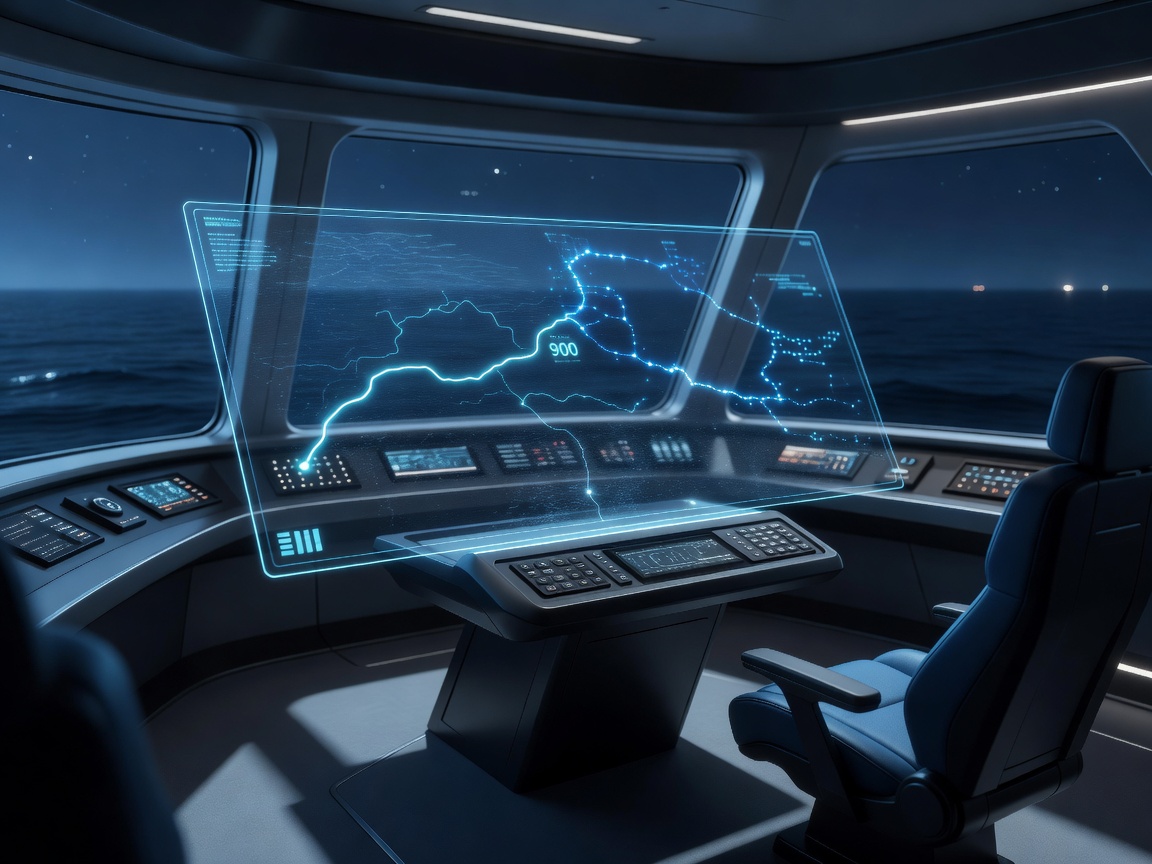
Decision-support systems help people interpret information or compare choices. In maritime navigation, that role can range from a clearer display to a generated recommendation. It’s worth being precise about where information ends, advice begins and control remains.
Display, recommendation and control are different
| System role | What it does | Responsibility and risk |
|---|---|---|
| Information display | Presents observations, charts or vessel information. | Users interpret it; data sources and freshness still matter. |
| Recommendation support | Compares options or suggests actions for human review. | Assumptions, uncertainty and operator judgment are central. |
| Automated control | May execute control actions under a defined system design. | Raises distinct safety, assurance, oversight and regulatory considerations. |
A product can include more than one role, but the distinctions shouldn’t be blurred. A route shown on a display isn’t necessarily a recommendation. A recommendation isn’t an order. An automated control function is a separate capability with different responsibilities and risks. AI in a decision-support interface does not imply that the software is steering a vessel—or that it should be allowed to.
What a useful human-led workflow looks like
A system may bring together route alternatives, sensor observations, environmental information, voyage objectives and operational constraints. It can help organize those inputs, flag conflicts or present choices for review. A good workflow makes it possible to understand where the information came from, when it was updated and what assumptions shaped the output.
Recommendations should be explainable enough for their intended use. That doesn’t mean every internal model calculation can always be reduced to a perfect sentence. It does mean the interface should provide relevant rationale, expose key constraints, distinguish data from estimates and communicate known uncertainty. Traceability—being able to review the inputs and steps that informed an output—can help with assessment, training and follow-up.
Alert prioritization is another practical concern. If everything is highlighted, nothing feels important. Systems should avoid unnecessary noise and make clear why an alert deserves attention. Operators need room to compare alternatives and consider factors the software may not represent. Qualified maritime personnel remain responsible for applying professional judgment within bridge procedures, vessel-specific instructions and applicable requirements.
Useful assistance comes with real trade-offs
Decision support may reduce the effort of collecting information across multiple sources, make alternative routes easier to compare and help teams apply a consistent review process. It can surface a consideration that might otherwise be missed in a busy workflow. Those are potential benefits, not guaranteed outcomes.
Risks include automation bias—the tendency to give a system’s suggestion more weight than it deserves—and overreliance on a polished interface. Poor-quality or stale inputs can undermine even a sophisticated model. Complex displays can distract; unclear alerts can fatigue users; and integration problems can duplicate or contradict existing information. A recommendation may also optimize the wrong priorities if the objectives or constraints were configured poorly.
Human oversight needs to be meaningful. People must have enough information, training and authority to question or reject a suggestion. A button labeled “confirm” doesn’t by itself create effective oversight if the rationale is hidden or the workflow pressures users to accept by default. A system should communicate when it cannot assess something confidently, rather than imply that silence means all is well.
Evaluation, upkeep and implementation questions
Before introducing a tool, define the role it will play: display, recommendation or control. Clarify what inputs it needs, how it handles missing data and whether recommendations can be traced to their key assumptions. Ask how it communicates uncertainty, how users compare route trade-offs and how alerts are ranked. Find out what information is logged, who can access it and how privacy and cybersecurity are handled.
Test with scenarios relevant to the vessel and the work, including degraded data, contradictory information, changed priorities and unusual conditions. Include bridge users in interface evaluation and build training around both routine operation and system limitations. Consider interoperability, system updates, maintenance, change management and what happens during an outage. Monitoring should include more than whether the software is running: teams need a way to notice when it is producing confusing or unsuitable outputs.
Ask who is responsible for configuring vessel particulars and operational constraints, how changes are reviewed, and how concerns are escalated. Ask what evidence supports use in the intended context, without relying on a broad marketing claim. Finally, make sure there’s a practical fallback process when a data source or decision-support function is unavailable.
Decision support is most useful when it improves the quality of a conversation rather than trying to end it. For the route-planning side, read intelligent route planning; for combining observations, see maritime situational awareness.
This guide is informational only. It does not operate a vessel, provide navigational advice or replace qualified personnel, procedures, current nautical information or applicable requirements.